Design Systems & Prototyping
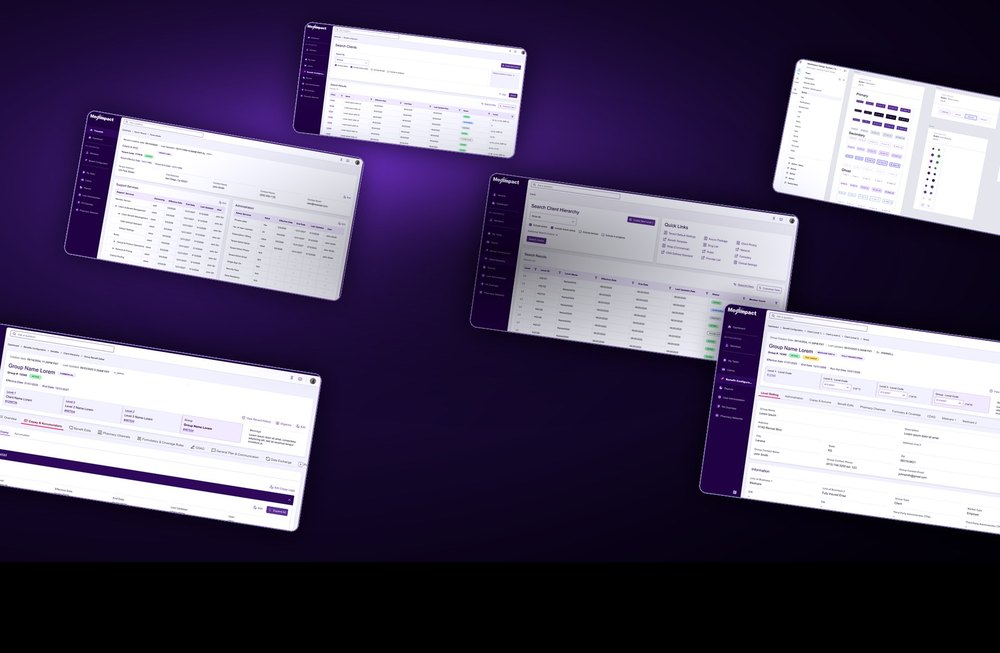
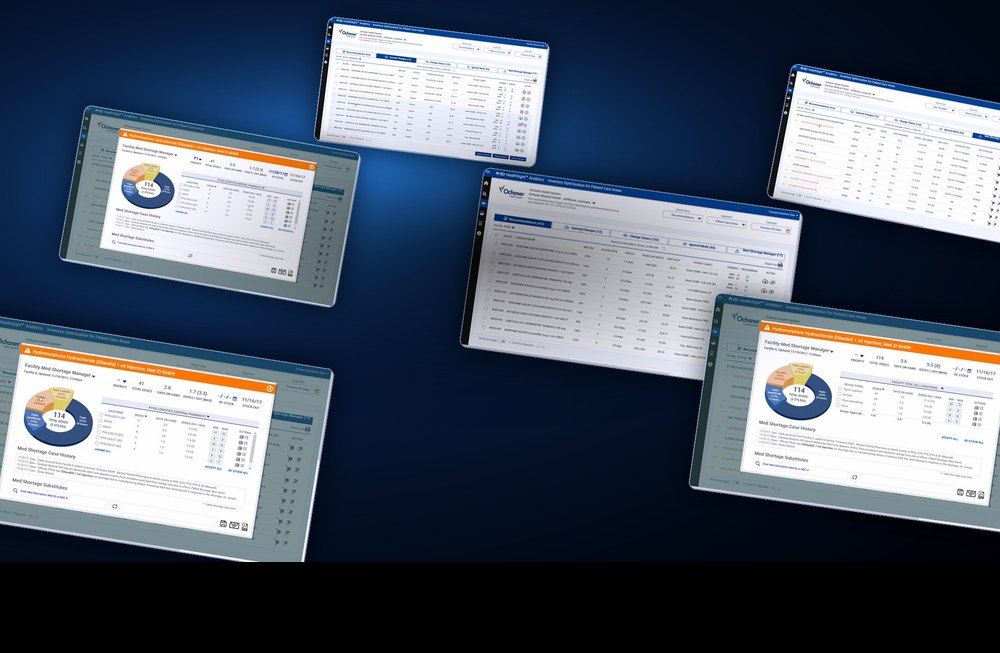
Interactive prototypes that behave like the product, built against a governed component library. Figma and Figma Agents today, Axure RP where a team still runs on it. Testable before engineering writes a line. Accessibility is specified in the component itself — I design and review to WCAG 2.1 AA, and to Section 508 where a client or contract requires it: colour contrast, keyboard paths, focus states, descriptive labels and reduced-motion support. Built in at the component, not bolted on at the end, because that is the only place it holds.
Research & Opportunity
Competitive and gap analysis against what the market already offers, heuristic review of what exists today, and an inventory of what users actually need measured against what they already have. That is where the real areas of opportunity surface, and what should be built first. From there I use AI assistance to rapidly produce personas, journey maps and wireframe concepts, so a team is reacting to something concrete in days rather than weeks.
UX Strategy & Practice
Leading also means adopting the right tool at the right point in the UX journey. I evaluate what a stage of the work actually needs — discovery, structure, high fidelity, validation — and bring in the tooling that fits it, from Figma and Figma Agents to Claude for rapid front-end prototyping. The goal is not novelty. It is keeping the team competitive in the marketplace and producing effective, intuitive applications at a rate the business can actually fund.
UXAI, In Practice
Not a buzzword on a slide. This is how I work right now, on live enterprise projects — and I can show you the output.
Claude for front-end prototypes
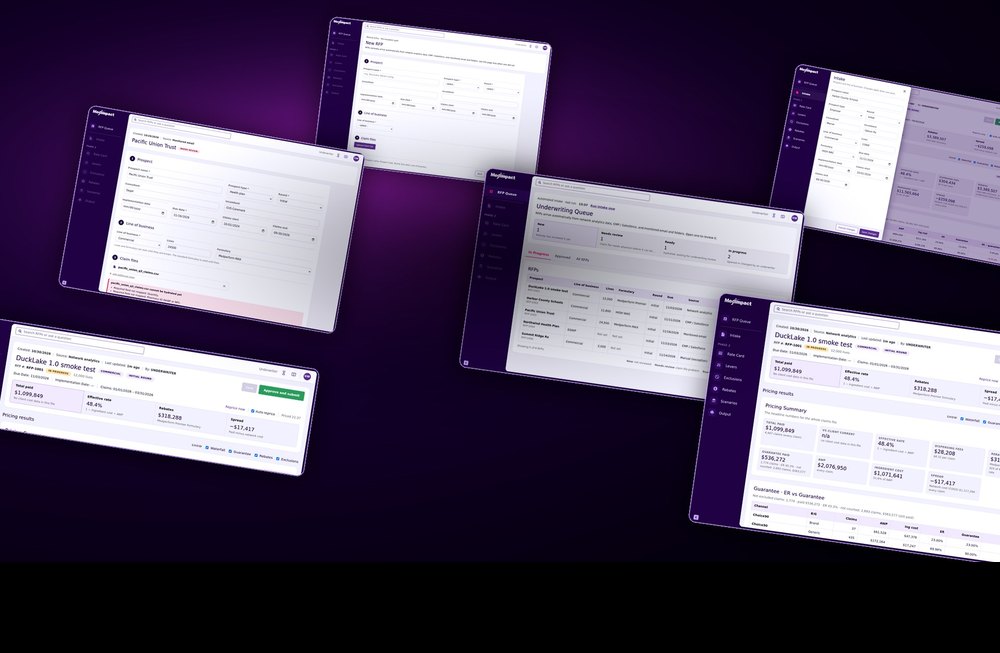
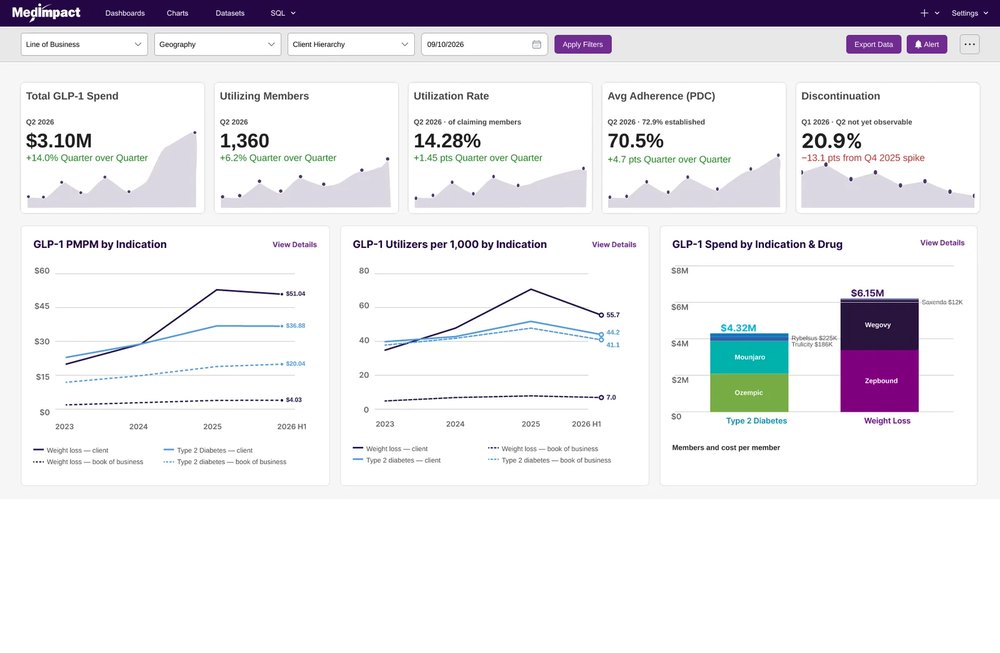
Requirements, recordings and Figma exports in; running, design-system-faithful software out. Thirteen numbered builds on my current project, with real validation and approval logic — and React-ready structure when a team needs to take it further.
Figma Agents on a governed system
Agents generating high-fidelity interactive prototypes from an approved component library — not freehand AI interface. A single meeting transcript to a conference-ready nine-screen product and a 25-slide deck in seven days.
And a strategy behind it
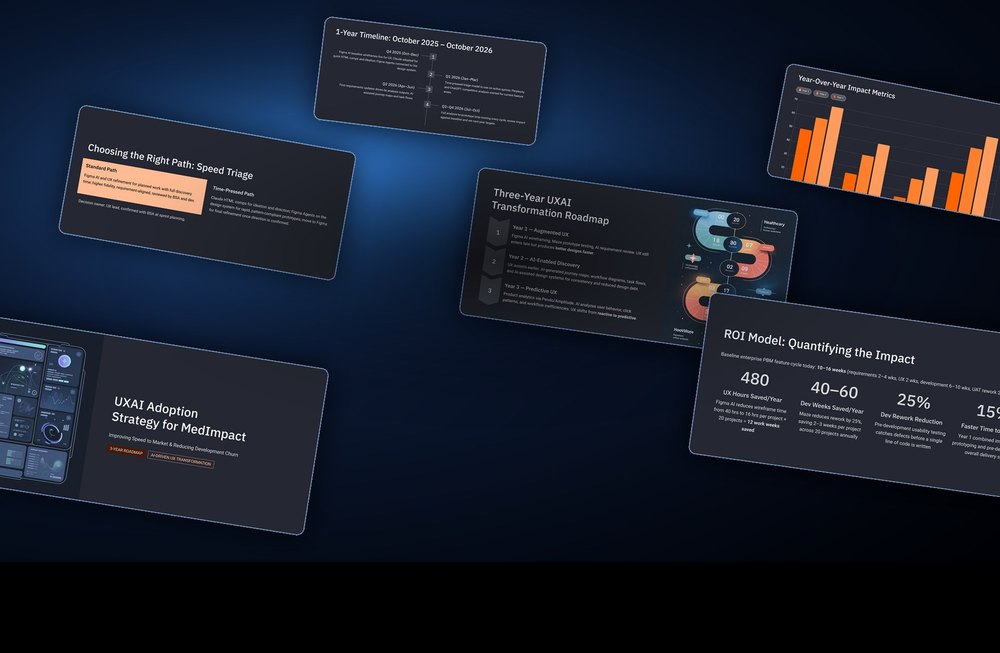
I authored the three-year UXAI adoption strategy my company adopted: where AI genuinely helps, where it does not, who owns the decision about which path work takes, and the measurement model that proves it worked.
Who Is Roy Thronson?
This is my personal UX portfolio. I'm a Lead UX Designer in San Diego with 12+ years in UX inside a 20+ year career designing and building digital products — enterprise applications, responsive websites and front-end development across healthcare, financial technology and other industries. Certified in UX through UC San Diego Extension and in AI for UX Design through Designlab.
Since 2015 I have led UX at a San Diego pharmacy benefit manager, expanding design's footprint across multiple business units. In 2025 I began championing a UXAI engagement model: established UX practice combined with practical AI tools to accelerate research, ideation and prototyping, while the human keeps ownership of the decisions and the quality.